🎟️
Invites, RSVPs & QR check-in
Every party gets a private RSVP link and a QR code. Guests confirm and name who is coming; at the door, staff scan the QR and tap Arrive — headcounts update live.
Event Management System
Invitations and RSVPs with QR check-in, drag-and-drop seating, budget and suppliers, the run sheet, and a password-protected view for family and crew — built from planning a real 100-guest celebration.
The demo fills the planner with a sample event. Change anything — nothing is saved.
Every party gets a private RSVP link and a QR code. Guests confirm and name who is coming; at the door, staff scan the QR and tap Arrive — headcounts update live.
Draw the room, drop in round tables, the stage, buffet and photo booth, then seat each party. Guests see exactly which table is theirs.
Track every supplier with contacts and costs, log deposits and balances, and see who has chipped in against their pledge.
A minute-by-minute program for the day and a day-by-day plan for the whole trip, ready for the crew.
Write notes and plans as the organiser, then hand family, crew or door staff their own password-protected view — they see only what you switch on.
Draw winners on the projector with a spinning reel, sound and confetti. Nobody wins twice, crew are left out automatically.
Pick the event's colours with a colour picker or a preset, light or dark — the guest pages follow.
The live demo fills the planner with a sample event, guests, venue and suppliers. Change anything — none of it is saved.
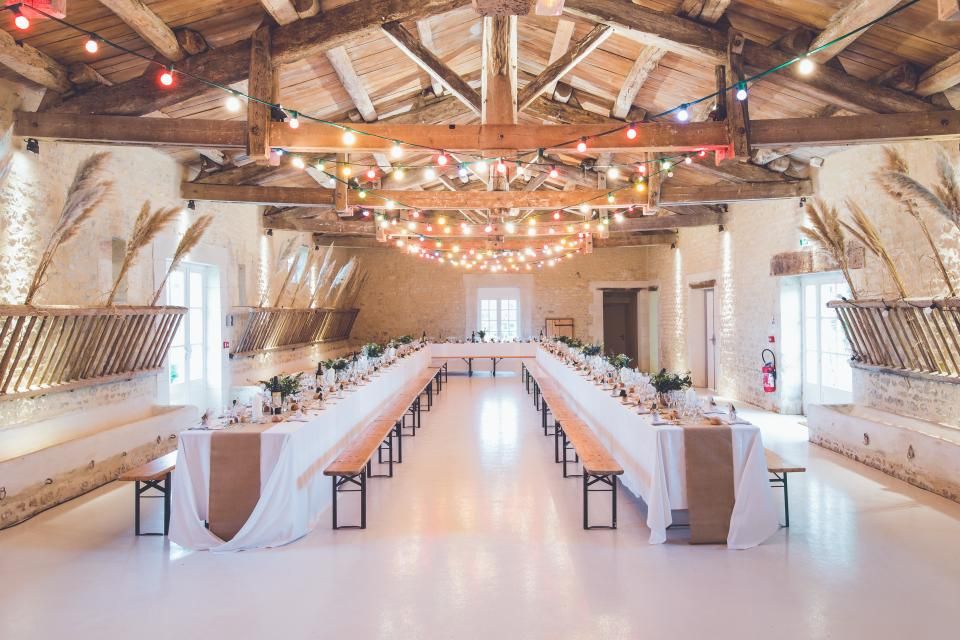

Yes. Open the live demo and you get your own sample event — guests, suppliers, budget, seating plan and photos. Edit anything; demo changes are never saved and disappear when you leave.
No. Each invited party gets a private link (and QR code). They open it, confirm and add the names of who is coming.
Give door staff a shared pass with check-in switched on. They scan a guest's QR code with the phone camera, the invitation opens with an Arrive button for each person, and the headcount updates for everyone.
Yes — that is what shared passes are for. Create a pass with its own password and choose what it can see: run sheet, seating (with or without names), suppliers, budget, selected notes. Viewers can look; only the organiser edits.
EMS grew out of planning a real surprise 70th birthday for 100 guests, and is part of chilldaemon.com.